
Private cloud storage on your own server.
Host your files and photos, connect native apps, and keep control of the server.
If you know iCloud, Google Drive, Dropbox, or OneDrive, the file and photo pattern should feel familiar. The difference is that the server is yours.
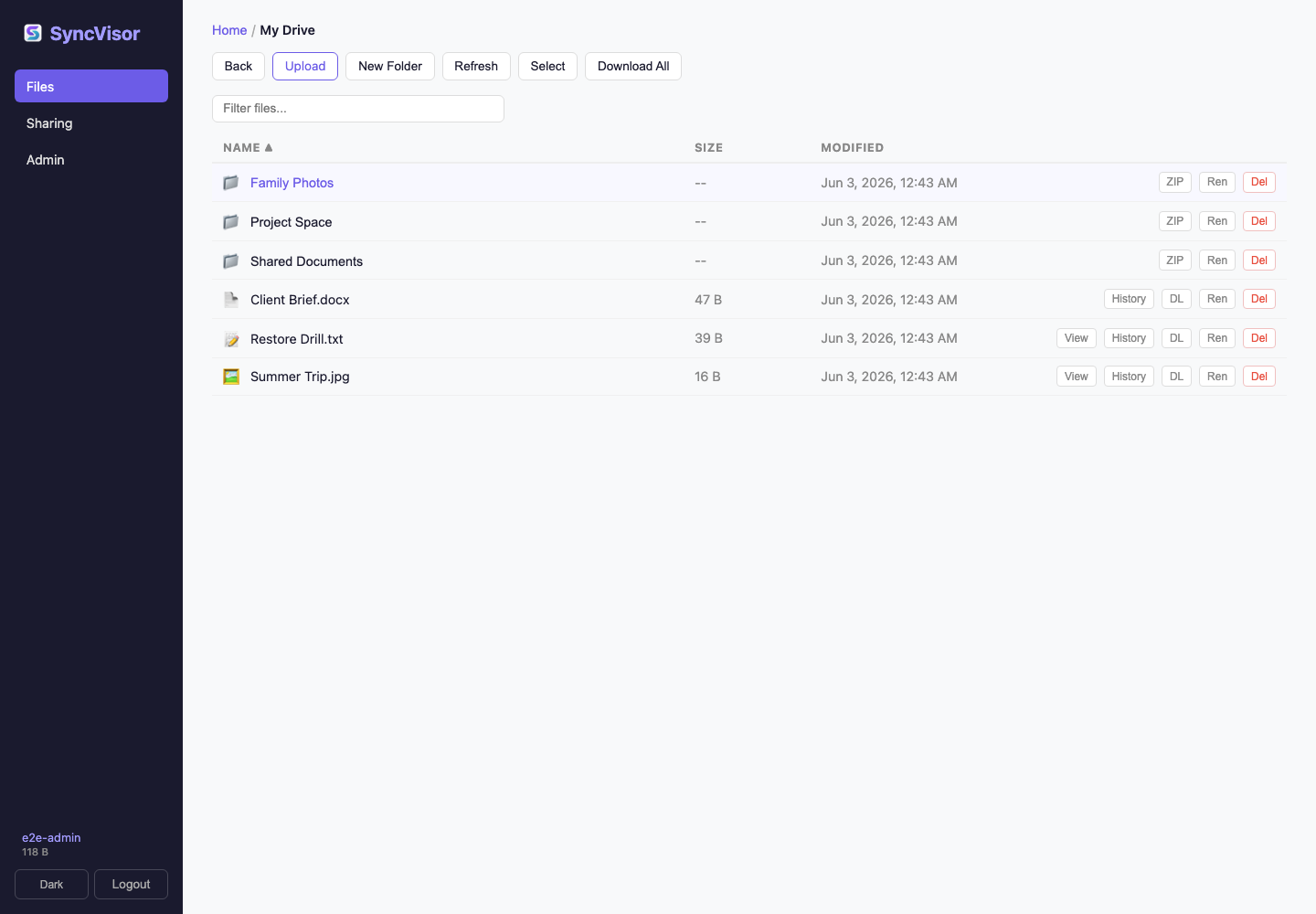
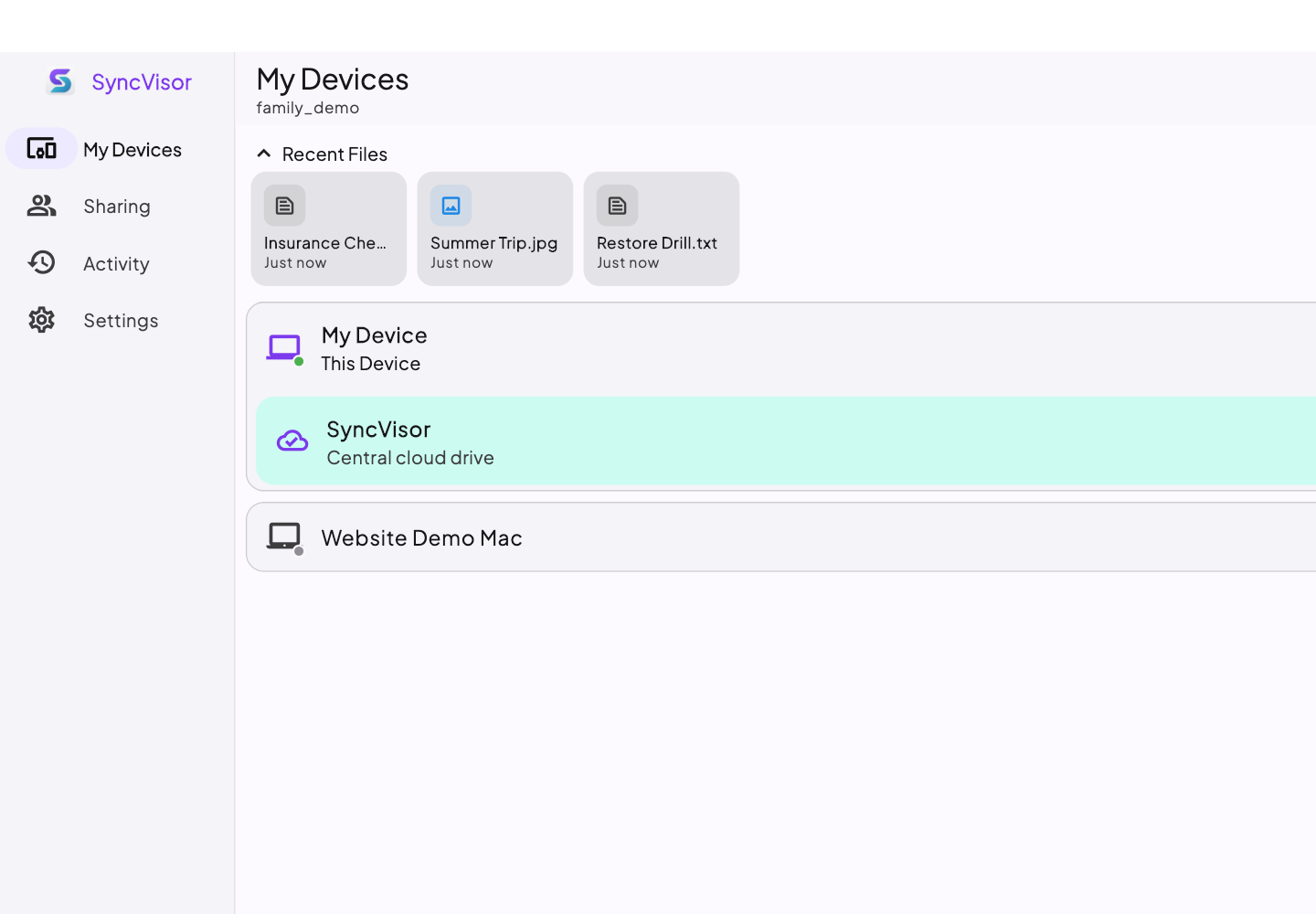
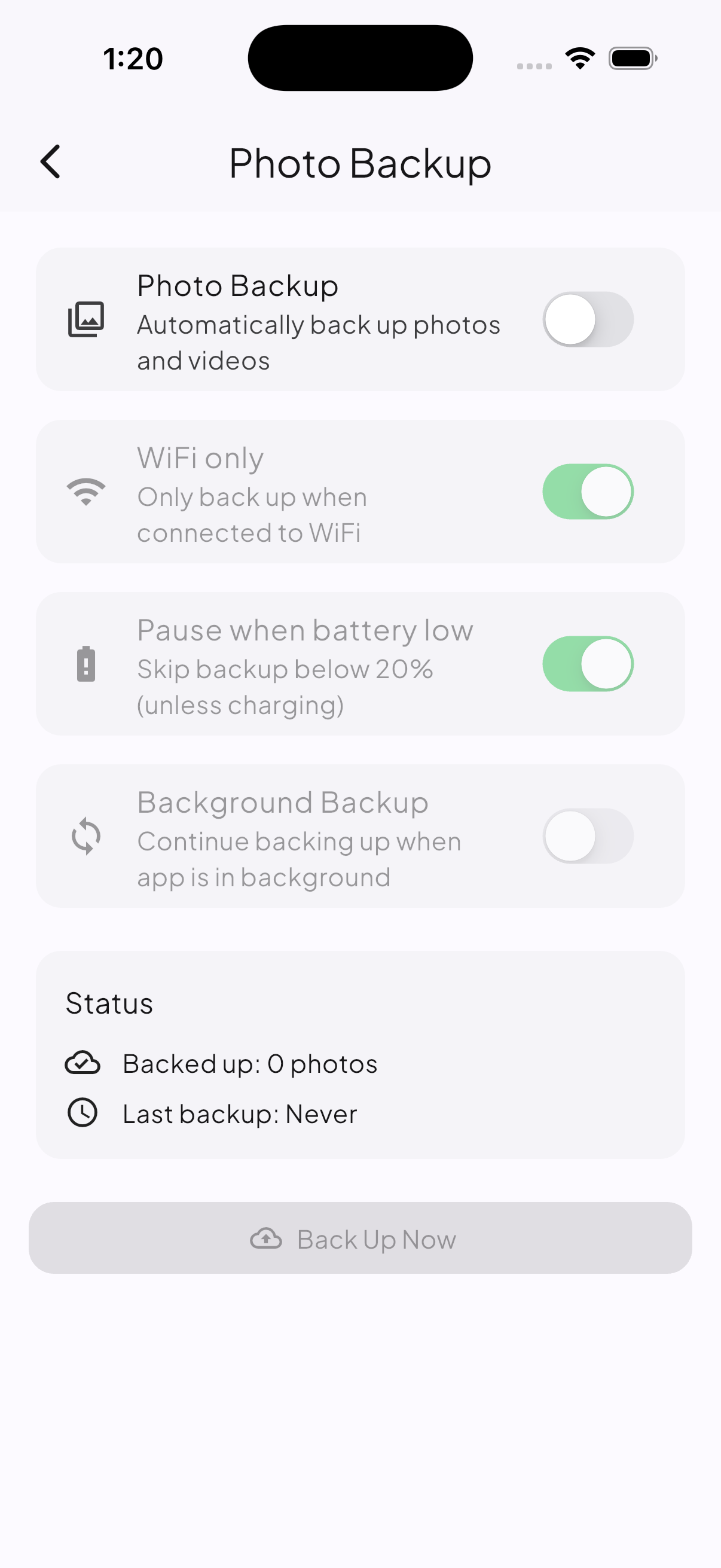
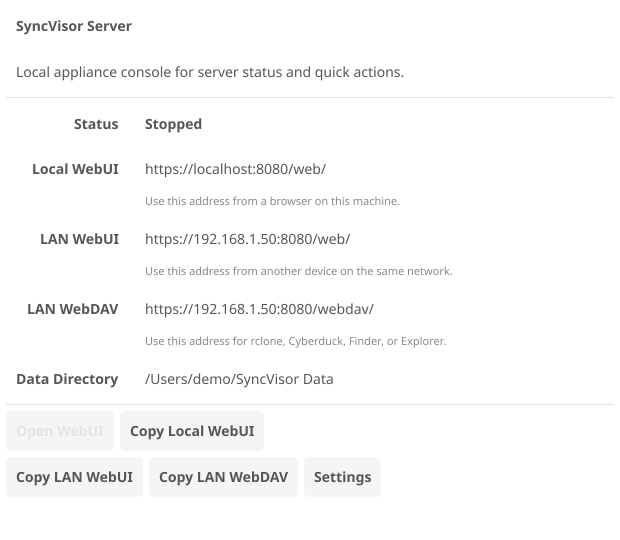
How it works
Host. Connect. Sync.
-
Host
Install SyncVisor Server on infrastructure you control.
-
Connect
Add native apps, browser access, mobile, WebDAV, or rclone.
-
Sync
Use familiar file and photo workflows across your trusted devices.
Why SyncVisor
The cloud storage pieces people already understand
SyncVisor keeps everyday cloud storage familiar: personal files, phone photos, device folders, version history, and browser access. The difference is where the server runs and who controls it.
Trust boundary
Private means you control the server
SyncVisor uses a server-readable trust model: you choose where the server runs, who administers it, where storage lives, and where backups go.
Read the trust model