Goal
Choose the right access path
Know whether to use an app, WebUI, Server Manager, or WebDAV and rclone before you add more folders, users, or tools.
Before
Before you start
- Daily files: native desktop and mobile apps.
- Admin and browser checks: WebUI.
- Migration and automation: WebDAV and rclone.
- Server install: Server Manager only.
1. Use native apps for daily files
Use desktop and mobile apps for normal file access, uploads, device state, sync activity, photo backup, and settings. Start with discovery on the local network; use a copied server address only if discovery does not find the server.
2. Use WebUI for browser and admin work
Use the WebUI for browser file access, sharing, version history, admin users, quotas, backup status, and recovery checks.
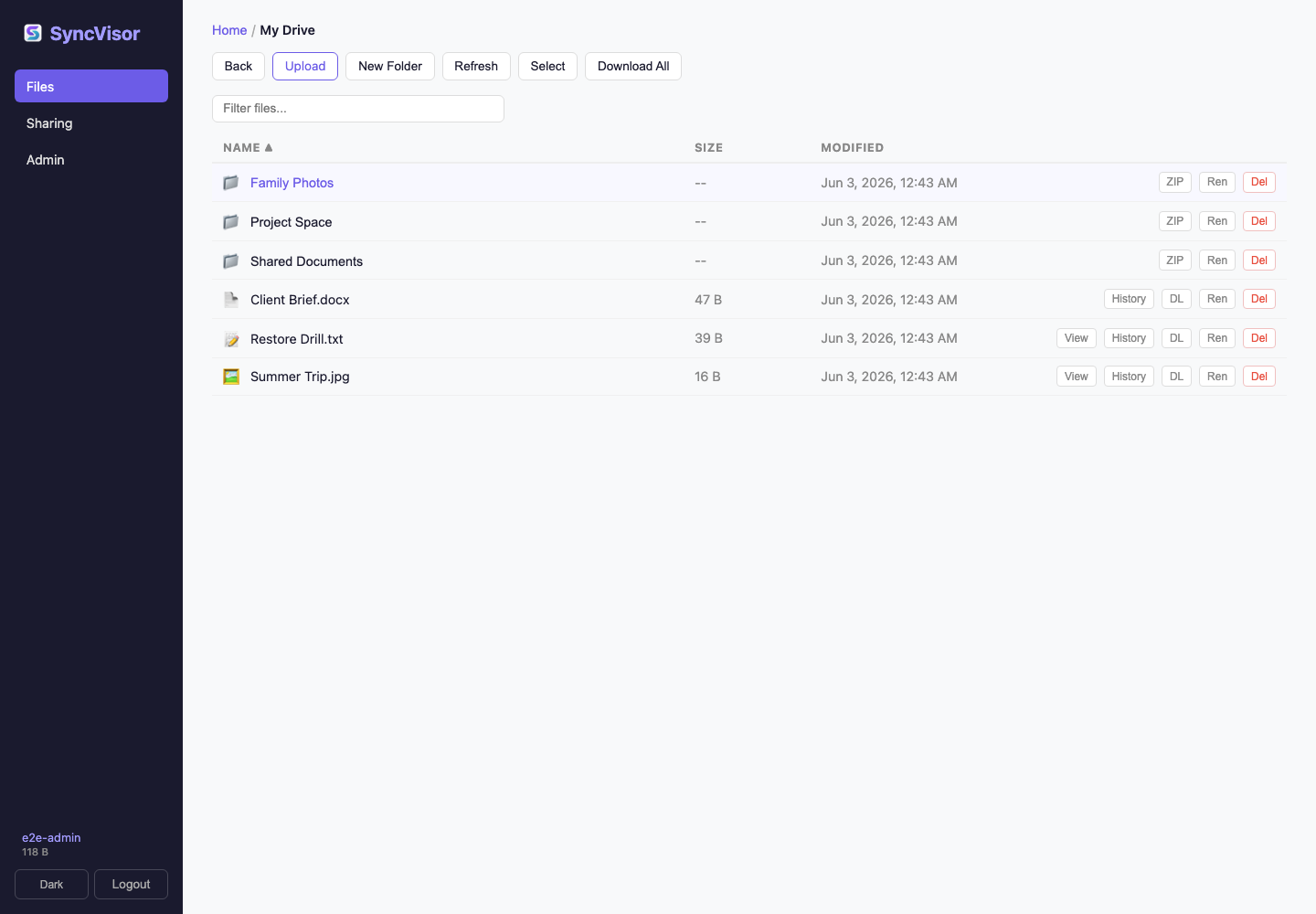
https://<server-address>:<port>/web/3. Use WebDAV and rclone for tools
Use WebDAV and rclone for compatible clients, migration, scripted copy, sync checks, mounts, and automation.
https://<server-address>:<port>/webdav/4. Keep photo backup intentional
Photo backup copies phone media to My Drive / Camera Uploads / YYYY / MM. Leave it off until you have enough storage, a backup target, and a restore check.
Success check
- The server is running in Server Manager.
- One native app can sign in and open My Drive.
- The WebUI opens from a browser.
- You know whether the next job needs WebDAV and rclone or a native app.
Next action